Free online 3D printing tools
Design a custom lampshade and base, preview the glow, and export parts for 3D printing.
Design and export in your browser.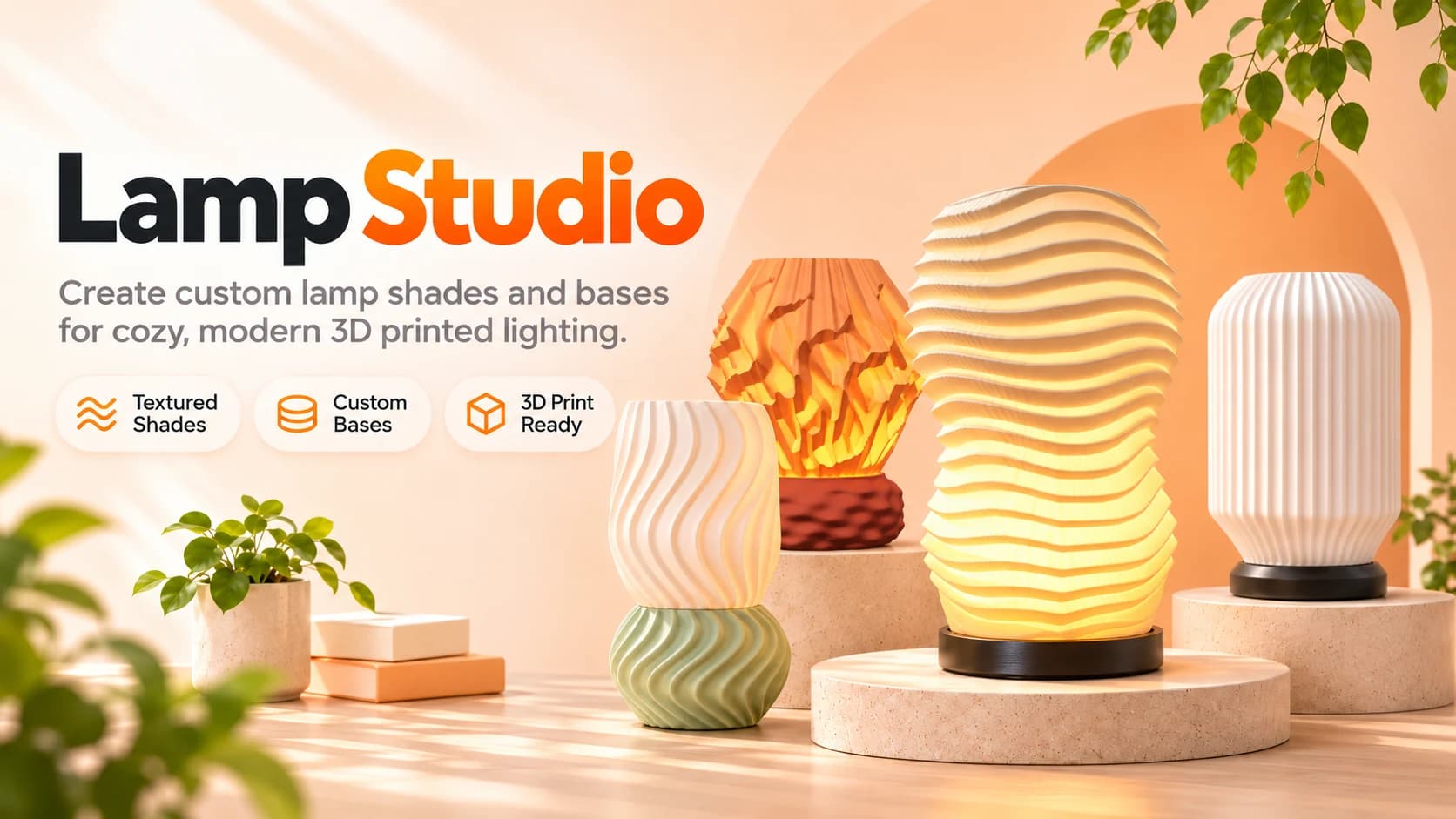
Explore the tools
Choose a tool to start your next print.
Clicker Studio
Custom MX-switch clickers from images, text, icons, or keyboard layouts.
3MF to GLB Converter
Convert and optimize 3MF models to GLB locally. Single files are free; batch conversion requires DIAMOND.
Name Keychain
Personalized name keychains with fonts, symbols, and multicolor lettering. DIAMOND unlocks batch export.
Cookie Cutter Studio
Cookie cutters and matching stamps from symbols, SVGs, images, and standalone names. DIAMOND unlocks batch names.
 Personalized
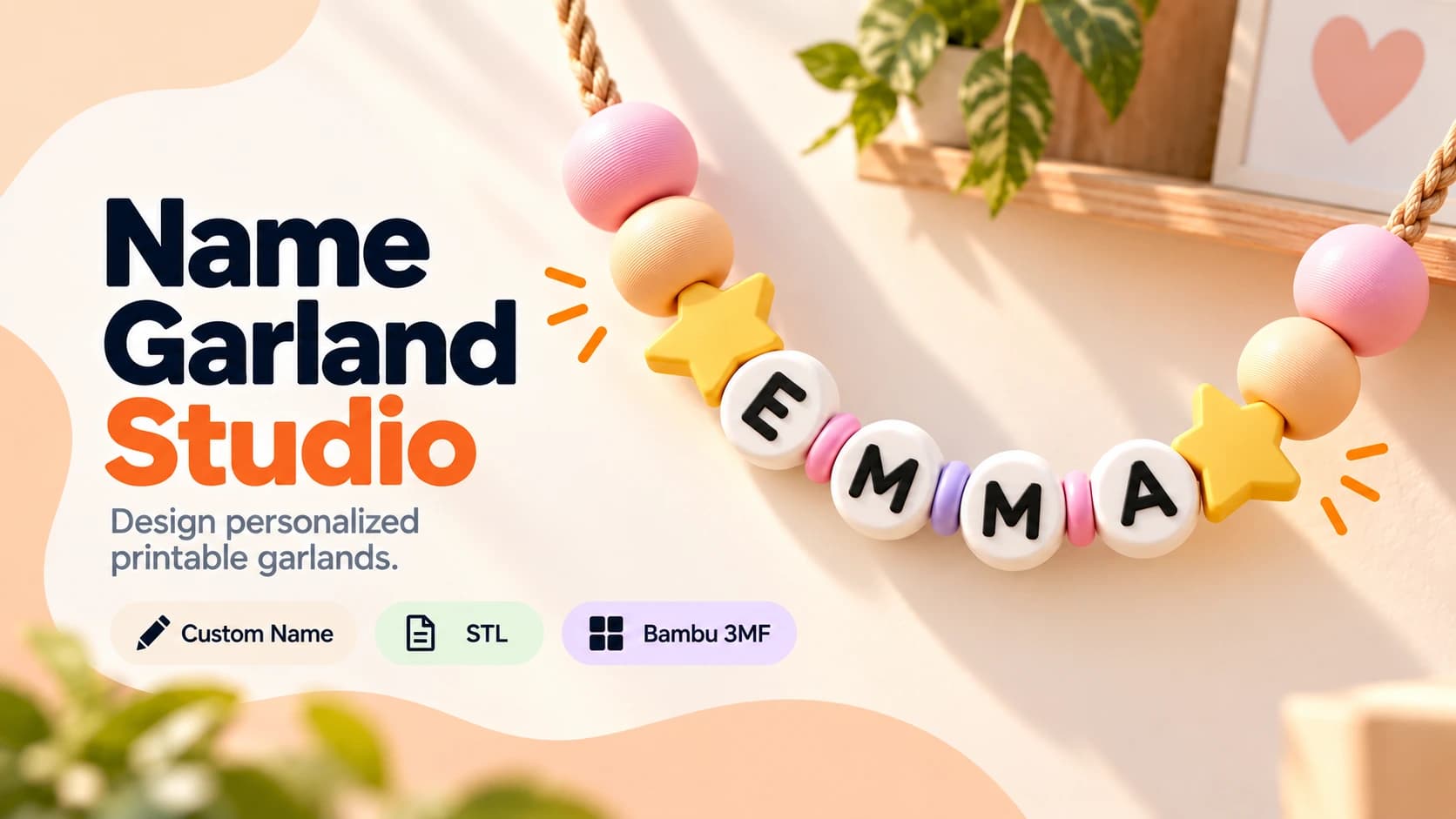
Name Garland Studio
Rope-threaded letter beads, automatic separators and playful decorations. Print a name in your own colors.
 Home & living
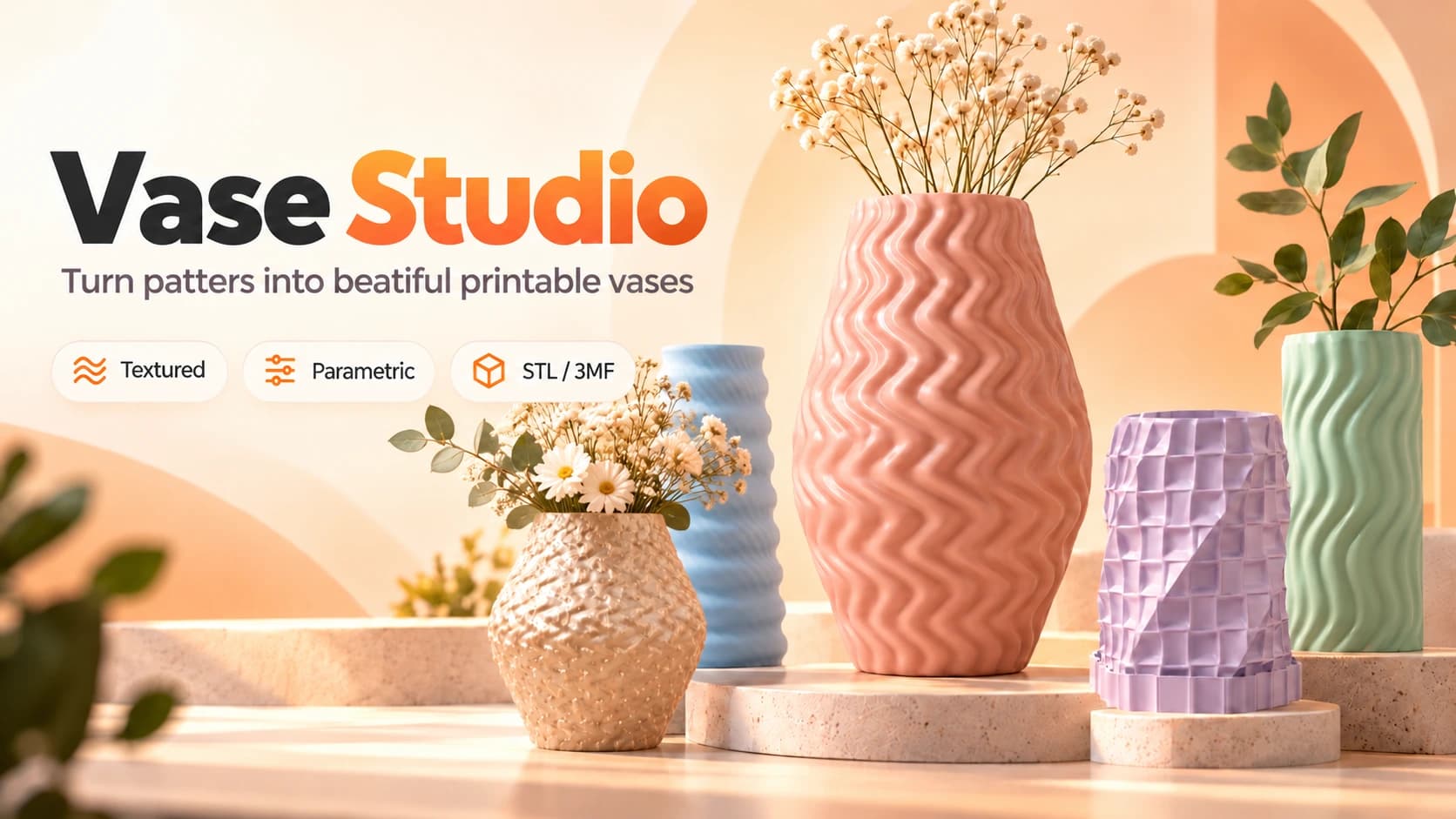
Vase Studio
Parametric vases and planters with layered textures, custom profiles and printable accessories.
 Personalized
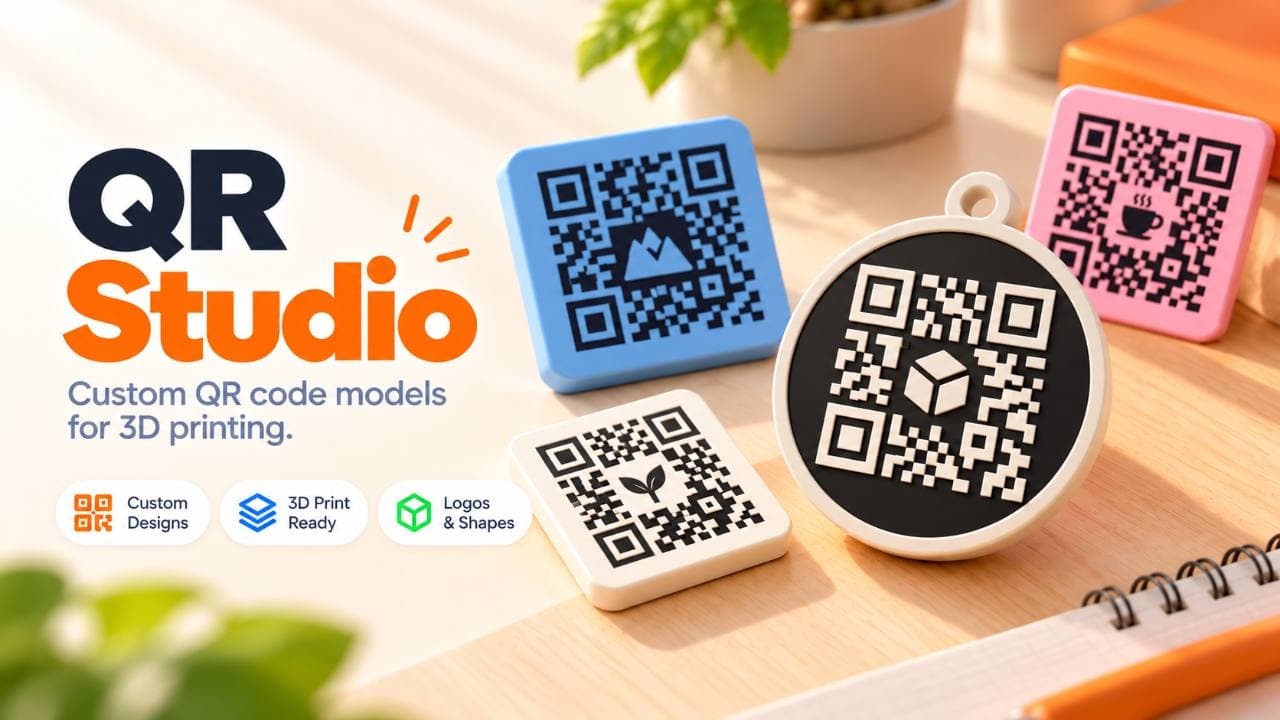
3D QR Code Generator
Printable QR tiles and keychains for links, Wi-Fi and contacts. Customize shapes, colors and relief with a live 3D preview.
Home & decorLamp Studio
Sculpt a shade and base, design glowing windows and shadows, and export your own printable table lamp.
 Home & living
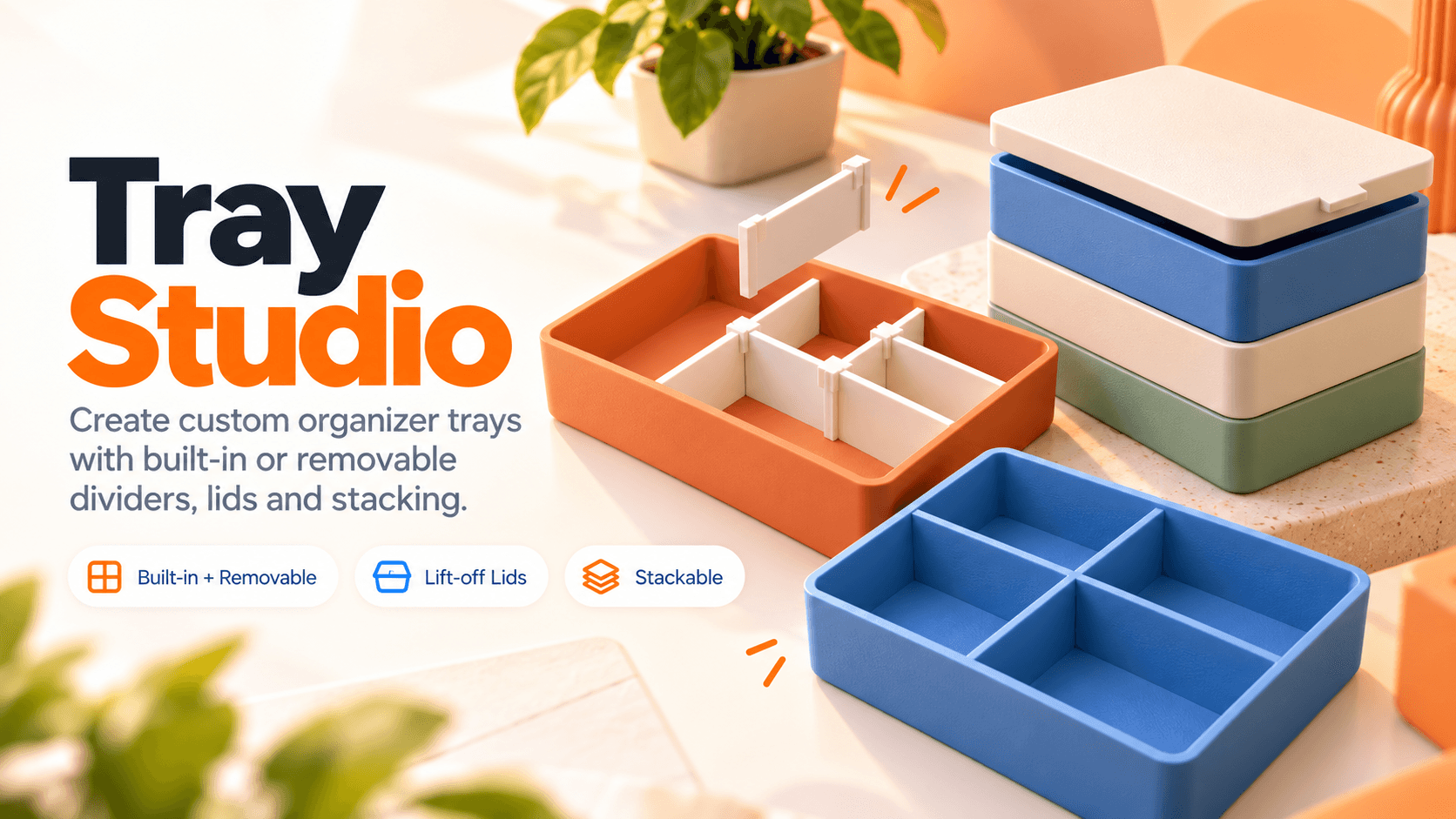
Tray Studio
Custom organizer trays with built-in or removable dividers, lift-off lids and stacking.
Online tools for your next 3D print
MiniForge Tools offers seven generators: Clicker Studio, Name Keychain, Cookie Cutter Studio, Vase Studio, Name Garland Studio, the 3D QR Code Generator and Tray Studio. Create personalized printable models with browser controls instead of drawing their geometry from scratch in CAD. The eighth tool, the 3MF to GLB Converter, turns an existing 3MF model into a GLB scene for compatible viewers and sharing.
Choose a tool for your project
Choose the right file format
STL: All seven generators export printable mesh geometry as STL. STL does not preserve filament-color assignments or editable generator settings. Inspect the mesh in a slicer before printing.
Bambu 3MF: All seven generators also export Bambu 3MF projects with separate parts and supported filament-color assignments. Open the project in a compatible slicer and review the printer profile and filament settings.
GLB: The 3MF to GLB Converter takes an existing 3MF file and exports GLB for compatible 3D viewers. Name Garland Studio also offers GLB export. GLB is a viewing and sharing format; use STL or 3MF for the printing workflow.
ZIP, JSON and PNG: Where offered, ZIP groups multiple exported parts into one download. Save a generator JSON project to continue editing its settings; JSON is not a printable mesh. Name Garland Studio can also save a preview PNG. Check each tool’s supported formats below.
Slicing software and a 3D printer are needed to produce physical prints.
Frequently asked questions
What is MiniForge Tools?
MiniForge Tools offers seven generators: Clicker Studio, Name Keychain, Cookie Cutter Studio, Vase Studio, Name Garland Studio, the 3D QR Code Generator and Tray Studio. Create personalized printable models with browser controls instead of drawing their geometry from scratch in CAD. The eighth tool, the 3MF to GLB Converter, turns an existing 3MF model into a GLB scene for compatible viewers and sharing.
Can I create STL files online without CAD?
Yes. Use the generators’ text, artwork and dimension controls to create printable models without drawing their geometry in CAD. Clickers, name keychains, cookie cutters, vases, name garlands, QR codes and trays support STL and Bambu 3MF exports. Review the exported model in a slicer before printing. The separate converter takes an existing 3MF file and exports GLB.
Are MiniForge tools free?
The generators offer free personal-use design and export with MiniForge branding. Single-file 3MF to GLB conversion is free. DIAMOND unlocks commercial use, watermark removal and eligible batch features. Membership is verified through Patreon.
Do I need to install software?
No installation is needed to design or convert in a modern browser. Interactive 3D previews require WebGL. To print generated STL or 3MF files, you still need compatible slicing software and a 3D printer.
Can I sell prints created with MiniForge?
Commercial use of MiniForge tools requires an active DIAMOND membership on Patreon. Third-party artwork and icon licenses still apply; membership does not grant rights to someone else’s artwork. Read the Terms of Use before selling prints.